
Pixelcut - Free AI Image Upscaler
Upload a blurry or low-res image, get a sharp, clear, high-resolution version in seconds.
No Photoshop. No sign-up. Just results.
Pixelcut Image Upscaling
Enhance and upscale your images up to 4x with AI.
AI tool is waking up, this may take 30–60 seconds...
What Pixelcut Image Upscaler Does for You
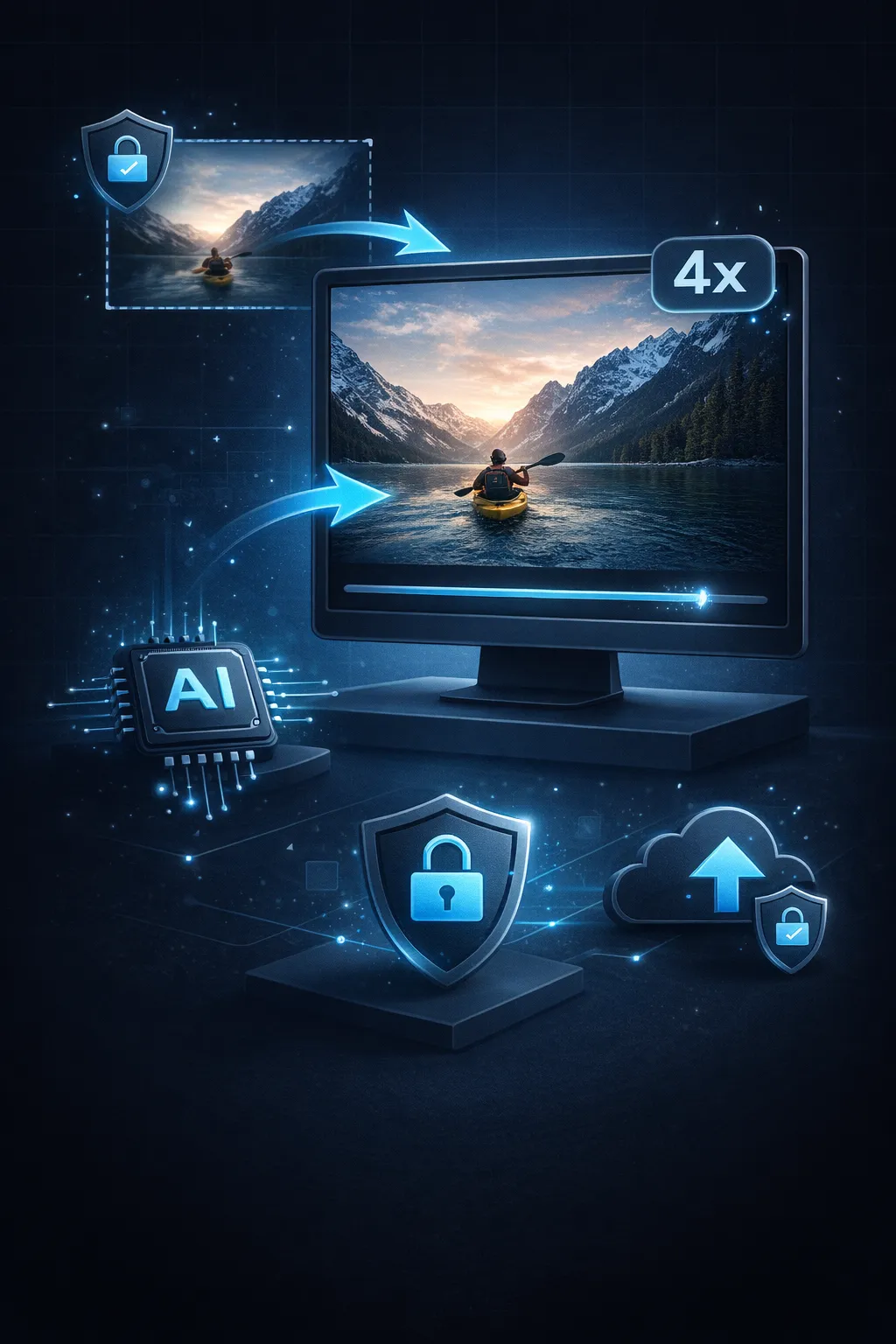
You upload a low-res image. Pixelcut makes it sharp, clear, and print-ready — in seconds, not hours.
- 2x–4x Image UpscalingGot a blurry thumbnail or low-res screenshot? Pixelcut upscales it to print-ready resolution while keeping edges sharp and details intact.
- AI Detail ReconstructionPixelcut doesn't just stretch pixels. The AI reconstructs textures, sharpens edges, and fills in detail that compression destroyed.
- Zero FrictionNo account. No watermark. No credit card. Open the page, drop your image, download the enhanced result.
- Your Images Stay YoursImages are processed through secure AI and never saved. We don't see, store, or share anything you upload.
Why 5,000+ Users Pick Pixelcut Upscaler
You don't need Photoshop skills or a monthly subscription to get high-res images. Just a browser and 30 seconds.

How Pixelcut Upscaler Works — 3 Steps, 30 Seconds
From blurry image to sharp, high-resolution result — here's how Pixelcut works:
Upload Your Image
Drag an image in or tap to upload — PNG, JPG, WebP up to 20 MB.
Choose Upscale Level
Pick 2x or 4x magnification. The AI enhances detail and sharpens edges while upscaling.
Download Your HD Image
One click to save. Use your upscaled image on your store, social media, or print project.
What Powers Pixelcut Upscaler
Under the hood: what makes Pixelcut deliver sharp, high-resolution images in seconds.
Neural Super-Resolution
AI-powered upscaling that reconstructs texture detail lost in compression — not just pixel stretching.
2x and 4x Upscaling
A 500x500 image becomes 2000x2000 at 4x. Choose the level that fits your needs.
Sub-30s Processing
Average image upscaled in under 30 seconds. No queue, no batch wait — one image at a time, instantly.
PNG, JPG, WebP Support
Upload any common format up to 20 MB. Download results in the same format or switch to WebP for smaller files.
No Daily Limits
Upscale as many images as you need. No caps, no throttling, no "upgrade to continue" popups.
Works on Any Device
Responsive UI runs on desktop, tablet, and mobile. Upscale product images from your phone between meetings.
Pixelcut Upscaler by the Numbers
Real usage, not vanity metrics.
10K+ Images Upscaled
Images Upscaled
5K+ Happy Users
Happy Users
< 30s Average Processing
Average Processing


Frequently Asked Questions
Quick answers about Pixelcut Upscaler — what it does, how it works, and what it costs (nothing).
Your Next Image Upgrade Starts Here
10,000+ images already upscaled. Drop yours in and see the difference in 30 seconds.